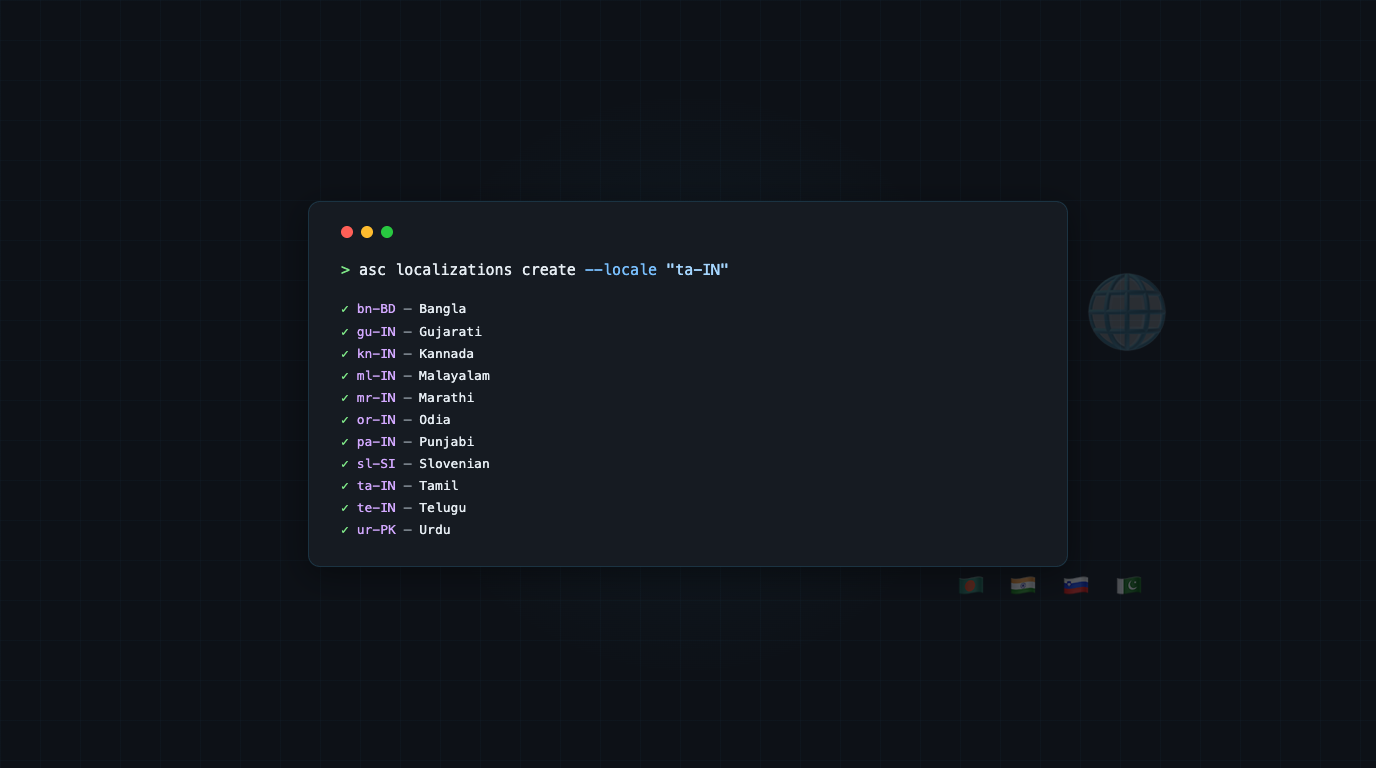
Apple just added 11 new languages for localized app metadata in App Store Connect: Bangla, Gujarati, Kannada, Malayalam, Marathi, Odia, Punjabi, Slovenian, Tamil, Telugu, and Urdu.
It is an expansion for developers targeting those markets, especially if your app targets the Indian App Store and its audience.
The catch is that the locale codes are not obvious if you are planning to automate the creation of localizations. You might guess bn for Bangla or ta for Tamil, but App Store Connect uses region-qualified codes. The bare language code gets rejected with "The language specified is not listed for localization."
I verified all 11 against the live API using a disposable test app. Here are the codes:
Language    Locale Code
─────────   ───────────
Bangla      bn-BD
Gujarati    gu-IN
Kannada     kn-IN
Malayalam   ml-IN
Marathi     mr-IN
Odia        or-IN
Punjabi     pa-IN
Slovenian   sl-SI
Tamil       ta-IN
Telugu      te-IN
Urdu        ur-PK
Creating a Localization
To add one of these new locales to an app version, you need the version ID first:
asc versions list --app "APP_ID"
That gives you entries like:
{
  "id": "79b421d8-4bb3-4397-80ad-b39429987f5c",
  "attributes": {
    "versionString": "1.0",
    "platform": "IOS",
    "appStoreState": "PREPARE_FOR_SUBMISSION"
  }
}
Then create the localization with the version ID and locale code:
asc localizations create \
  --version "VERSION_ID" \
  --locale "ta-IN" \
  --description "Your app description in Tamil" \
  --keywords "keyword1,keyword2" \
  --support-url "https://example.com/support"
You can also create a bare locale first and fill in the fields later:
asc localizations create --version "VERSION_ID" --locale "ta-IN"
That creates the locale with empty fields, which you can update with asc localizations update when the translations are ready.
Adding Multiple Locales at Once
If you want to add several of these new languages, you can script it. But the faster route is running a few create commands back to back. For Meshing, I added Tamil and Kannada:
asc localizations create --version "VERSION_ID" --locale "ta-IN"
asc localizations create --version "VERSION_ID" --locale "kn-IN"
After creating them, verify they exist:
asc localizations list --version "VERSION_ID" --locale "ta-IN,kn-IN" --output table
┌────────┬─────────────┬──────────┬─────────────┐
│ Locale │ Description │ Keywords │ Support URL │
├────────┼─────────────┼──────────┼─────────────┤
│ ta-IN  │             │          │             │
│ kn-IN  │             │          │             │
└────────┴─────────────┴──────────┴─────────────┘
Empty fields are expected at this point. The locales are registered and ready for content.
Filling In Content
Once the locales exist, you have a few options.
Direct update for quick edits:
asc localizations update \
  --version "VERSION_ID" \
  --locale "ta-IN" \
  --description "Tamil description" \
  --keywords "keyword1,keyword2"
Start by Copying from an existing locale if you want to start from your English metadata and translate from there. The asc apps info edit command supports --copy-from-locale for app-info localizations:
asc apps info edit --app "APP_ID" --locale "ta-IN" \
  --copy-from-locale "en-US"
This pulls the name, subtitle, and privacy policy URL from en-US into the new locale.
You can also Download, translate, upload for bulk work. Download all localizations to .strings files, translate them, and upload:
asc localizations download --version "VERSION_ID" --path "./localizations"
# translate the new locale files
asc localizations upload --version "VERSION_ID" --path "./localizations" --dry-run
asc localizations upload --version "VERSION_ID" --path "./localizations"
The --dry-run flag on upload lets you preview what will change before committing.
App-Info Localizations Too
The version localization covers description, keywords, and what is new. But there is also app-info localization for the app name, subtitle, and privacy policy URL. These are separate surfaces in App Store Connect.
To create an app-info localization for a new language:
asc localizations create --version "VERSION_ID" --locale "ta-IN"
And to check what app-info locales exist:
asc localizations list --app "APP_ID" --type app-info --output table
The --type app-info flag switches from version metadata to app-level metadata. If you forget it, you get version localizations by default.
Importance of Localization for the New Languages
Eight of these eleven languages cover a combined speaker base of over a billion people across India and South Asia!
If your app has any presence in those markets, localized metadata directly affects discoverability. Users searching the App Store in Tamil or Marathi will find apps with localized titles and descriptions before apps that only have English metadata.
Even if you do not translate the full app UI, localizing the App Store listing is a lower effort entry point. A translated app name, subtitle, and description can meaningfully improve search visibility and conversion in these regions.
Happy shipping!